Most WooCommerce stores lose orders at checkout, not at the product page. If your conversion rate feels stuck no matter how much traffic you drive, the problem usually is not visibility, it is what happens in the last sixty seconds before a customer is supposed to pay. Checkout analytics tell you exactly where that breaks down, and for WooCommerce stores the answer is rarely what store owners expect.
Why WooCommerce checkout is different from Shopify or a custom cart
WooCommerce runs on WordPress, which means checkout behavior is shaped by plugins, themes, and page builders in ways a hosted platform like Shopify never has to deal with. A slow-loading shipping plugin, a payment gateway that reloads the page, or a theme that hides the coupon field behind an extra click all create friction that WooCommerce's built-in reports cannot see. Woo gives you order totals and abandoned cart counts, but it does not show you the moment a customer stalls, gets confused, or gives up.
That gap is exactly where session replay and funnel tracking earn their keep. You need to watch real checkout sessions, not just count the ones that failed.
The checkout funnel you should actually be watching
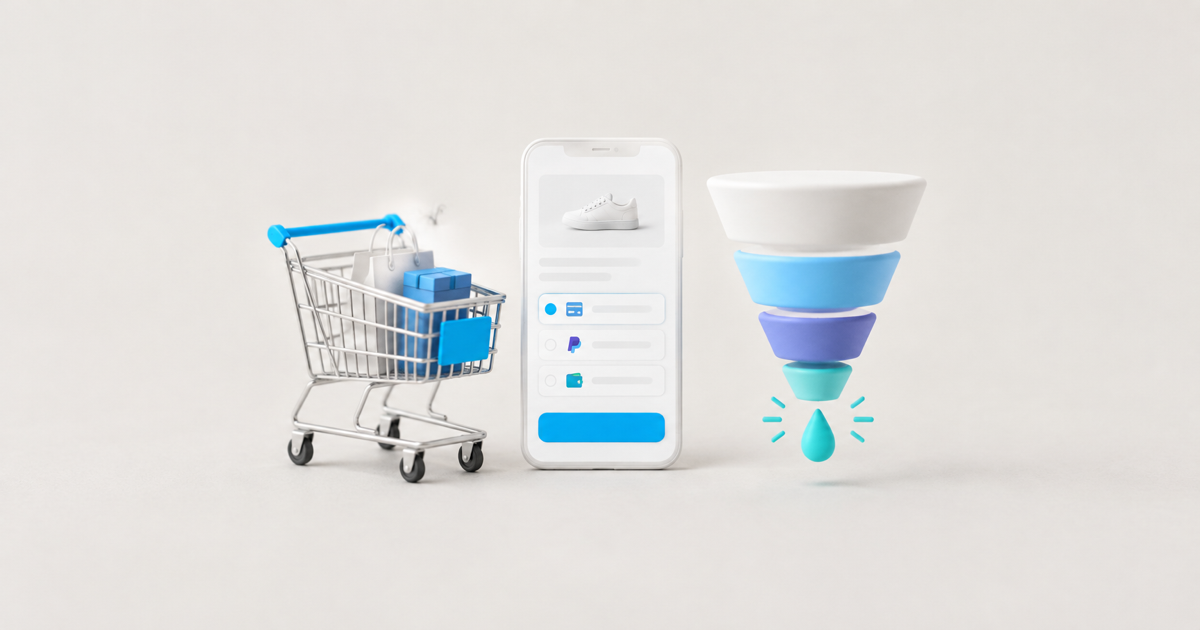
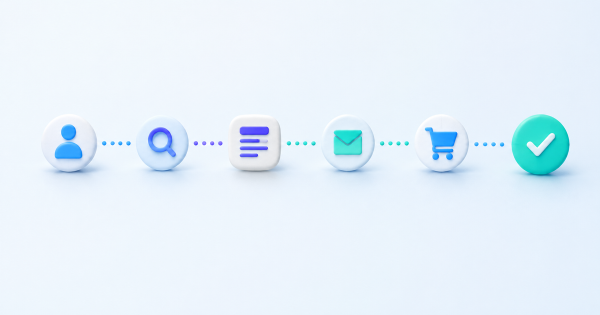
Break your WooCommerce checkout into four stages: cart review, shipping and address entry, payment method selection, and order confirmation. Most stores only track the start and the end, cart created and order placed, which hides where the drop happens. Once you build a funnel across these four steps, a pattern usually shows up fast. Shipping and payment selection are where WooCommerce stores bleed the most orders, far more than cart review.
A funnel built this way also exposes device differences. It is common to see a healthy completion rate on desktop and a sharp drop on mobile at the exact step where a payment plugin opens a new iframe or redirects off site. That single detail can explain weeks of "why is mobile converting worse" without a single A/B test.
What session recordings reveal that reports cannot
Numbers tell you where people leave. Recordings tell you why. Watching even twenty checkout sessions on a WooCommerce store tends to surface two or three recurring issues: a shipping calculator that does not update until the customer clicks away from the field, a coupon box that silently fails validation, or a mandatory account creation step that customers did not expect.
The order you lost at 2am was not lost to a bad offer. It was lost to a field that did not load in time.
This is where tools like LeadFnF fit naturally into a WooCommerce setup. A single lightweight script captures session replay and heatmaps without the bloat of a full analytics suite, so you can watch the actual checkout attempt, see where the cursor hesitated or clicked the same button twice, and fix the real cause instead of guessing from a bounce rate.
Common WooCommerce checkout failures worth checking first
- Plugin conflicts at payment: a caching plugin or a security plugin that strips query strings can break redirect-based gateways like PayPal or certain local payment methods.
- Shipping calculation delays: address-based shipping rules that take several seconds to recalculate make customers think the page has frozen.
- Forced account creation: requiring a login before guest checkout is one of the most common, and most fixable, sources of abandonment.
- Coupon field errors: a coupon that fails silently, with no visible error message, reads to the customer as a broken site.
- Mobile keyboard issues: numeric fields that trigger the wrong keyboard type slow down card entry and increase typos.
Checking these five first, with real session data rather than assumptions, usually finds the leak faster than redesigning the whole checkout flow.
Turning checkout data into an actual fix
Once you have identified where orders die, the fix is almost always smaller than it looks. Stores that add a visible progress indicator across the four checkout stages see fewer people abandon mid-flow, simply because the uncertainty of "how much is left" goes away. Stores that enable guest checkout as the default, while still offering an account option after purchase, recover a meaningful share of first-time buyers who were not ready to commit to a login.
The key is validating each fix against real behavior rather than shipping a change and hoping. Watching a handful of sessions after a fix goes live tells you within a day whether the friction actually disappeared, instead of waiting weeks for a revenue report to confirm it.
Building a simple weekly checkout review
You do not need a dedicated analyst to keep this running. A fifteen-minute weekly habit works: check the funnel completion rate across the four checkout stages, watch three to five session recordings from the step with the biggest drop, and note anything that repeats. If the same friction point shows up two weeks in a row, that is your next fix. This rhythm keeps checkout health visible without turning it into a full-time project, and it is enough to catch a broken plugin update before it costs you a month of lost orders.
Real-time visibility matters here too. A plugin update or gateway outage can silently break checkout for hours before anyone notices in a weekly report. Watching live sessions, or getting an alert the moment completion rates drop, is what separates stores that catch the problem in an afternoon from stores that only find out at the end of the month.
If you are running WooCommerce and have never actually watched a real checkout session, start there before changing anything else. LeadFnF gives you session replay, heatmaps, and funnel tracking with one 3KB script, privacy-first and built for exactly this kind of diagnosis. See where your orders are actually dying, then fix that one thing first.