You do not need a developer to set up conversion goals. Most analytics platforms treat goal tracking like a code project, but the actual requirement is simpler: you need to know when a visitor did the thing you care about, whether that is a purchase, a signup, a form submission, or a scroll past a certain point. With the right tool, that is a point and click job, not a sprint ticket.
The confusion comes from older analytics setups that require custom event code, data layer variables, and a tag manager configuration that only an engineer wants to touch. If your team has been waiting weeks for a developer to free up just to track button clicks, you are solving the wrong problem with the wrong tool.
What a Conversion Goal Actually Needs
A conversion goal needs three things: a trigger, a destination, and a way to confirm it fired correctly. The trigger is the action, like clicking "Add to Cart" or landing on a thank-you page. The destination is where you see the result, usually a dashboard or funnel report. The confirmation step is the part everyone skips, and it is the part that causes the most wasted time later when numbers do not add up.
None of these three things inherently require writing code. A URL-based goal, such as tracking anyone who reaches a thank-you page, needs zero engineering. A click-based goal, such as tracking a specific button, can usually be set up by pointing and clicking on the element in a visual selector.
Start With URL-Based Goals
If you are setting up conversion tracking for the first time, start with destination-based goals. These rely on a visitor reaching a specific page, like an order confirmation or a signup success screen. Because the goal is just a URL pattern, there is no JavaScript to write and no tag to configure.
- Order confirmation pages for ecommerce purchases
- Signup success or welcome pages for SaaS trials
- Booking confirmation pages for service businesses
- Download or thank-you pages after a lead form
This single step covers a large share of what most businesses actually need to measure. It will not catch every micro-conversion, but it gets you a reliable top-line number within minutes.
Use Visual Click Tracking for Buttons and Links
Once URL goals are in place, the next layer is click tracking on specific elements: a "Start Free Trial" button, a pricing toggle, an outbound link to a partner site. The old way to do this involved adding onclick handlers or custom data attributes, then mapping those attributes inside a tag manager. That is exactly the kind of work that stalls on a developer's backlog.
Modern analytics tools, including LeadFnF, let you select the element visually on a live preview of your site and name the goal right there. No code, no deploy, no waiting for a sprint to end. The tracking fires the moment you save the goal, and you can confirm it works by watching it show up in a real-time view as you click it yourself.
Confirm the Goal With Session Replay, Not Just a Counter
A number going up in a dashboard tells you a goal fired. It does not tell you whether it fired for the right reason. This is where most no-code conversion tracking falls short: teams trust the count without checking what actually happened in the browser.
If your conversion count jumps overnight for no clear reason, that is not good news until you have watched a replay and confirmed it is a real goal, not a bug.
Pairing goal tracking with session replay closes that gap. When a new goal fires, you can pull up the actual recording of that visitor's session and watch what led them there. Did they fill out the whole form, or did the goal fire on a page refresh? Did they click the real button, or did a tracking script double count a single click? A quick look at the replay answers this in under a minute, which is faster than digging through console logs or asking an engineer to check the tag manager.
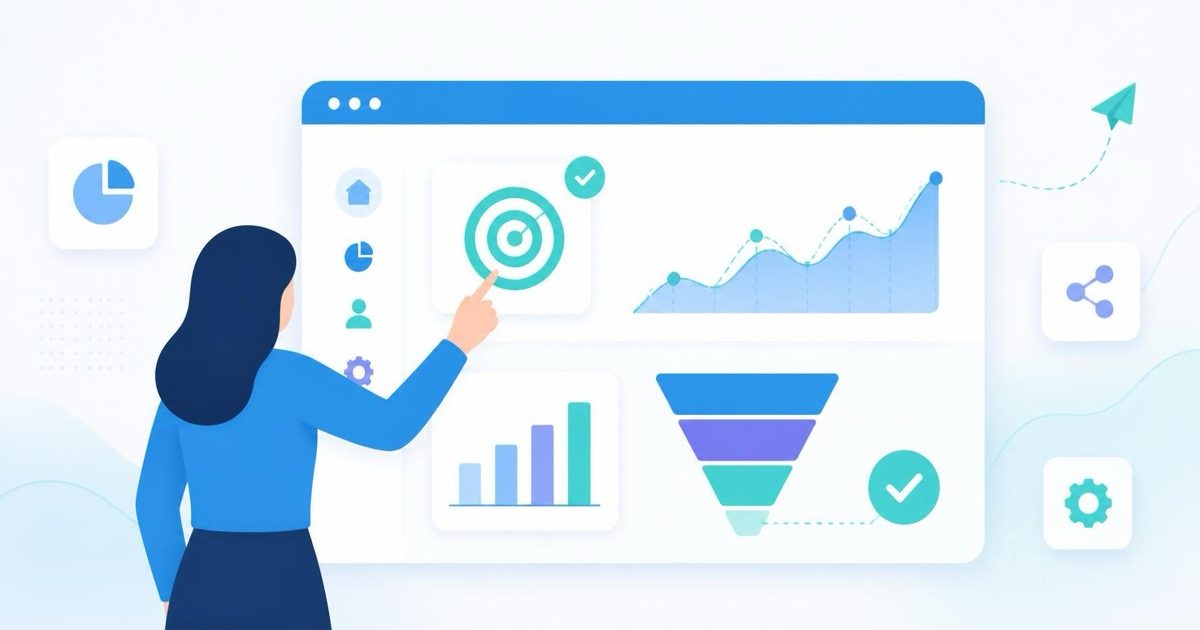
LeadFnF ties goal events directly to session replay and heatmaps, so when a goal fires you are not just looking at a number, you are looking at the funnel step and the behavior that led to it, all from the same lightweight script.
Build the Funnel Once You Have Two or Three Goals
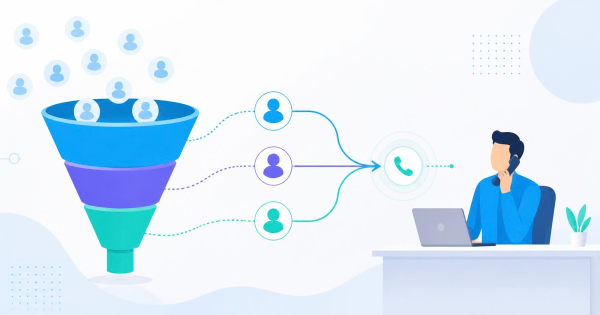
With two or three goals in place, you can stop looking at them one at a time and start building a funnel: landing page visit, pricing page view, signup success. A funnel view shows you where visitors drop off between each step, which is far more actionable than a single conversion count sitting alone.
This is also where privacy-first tracking matters. A lot of funnel tools ask you to implement cookie-based identity resolution to stitch sessions together, which means a consent banner, which means friction before the data even starts flowing. A cookieless, privacy-first setup avoids that step entirely and still gives you an accurate funnel, because the tracking does not depend on persistent identifiers to see the sequence within a single session.
What to Avoid When You Are Not Technical
A few habits cause the most pain for non-technical teams setting this up on their own:
- Naming goals vaguely, like "Button Click 1," which becomes meaningless three months later
- Setting up a goal and never checking it against a real session to confirm it fires correctly
- Tracking every possible click instead of the handful of actions that actually matter to revenue
- Assuming a rising goal count always means things are going well, without checking for bot traffic or accidental double firing
Keep the list of goals short and named clearly. Five well-labeled goals that you trust beat twenty vague ones you have to reverse-engineer later.
Getting Started Today
If you have never set up a conversion goal before, start with one URL-based goal on your most important page, confirm it with a real-time check, then add a click-based goal on your main call-to-action button. Watch a few session replays against both goals in the first week to make sure what you are counting matches what visitors are actually doing.
You can see how this works end to end on the LeadFnF features page, where goal tracking, funnels, heatmaps, and session replay all run from the same single script.
None of this needs a developer, a sprint, or a tag manager certification. It needs a clear goal, a tool that lets you click instead of code, and five minutes to confirm it with a real session. Start a free trial and set up your first conversion goal before your coffee gets cold.