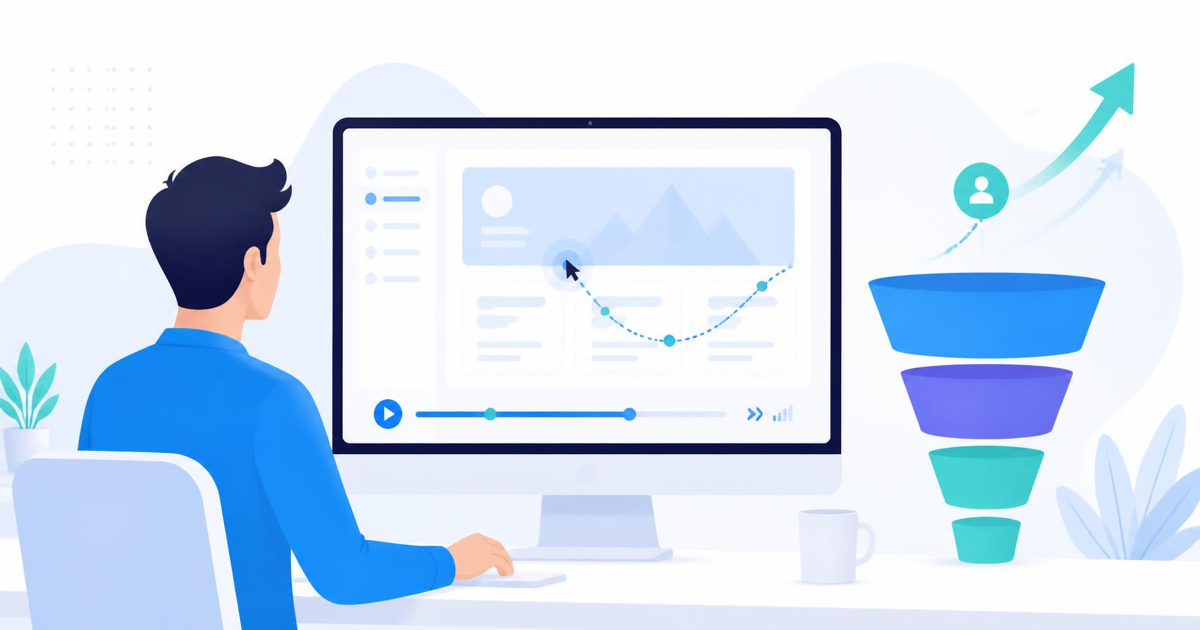

Most conversion rate advice starts with a hypothesis: change the button color, shorten the form, move the price above the fold. Session recordings flip that order. Instead of guessing what might be wrong, you watch real visitors interact with your site and see exactly where they hesitate, scroll back, or give up. That shift from guessing to watching is what makes recordings one of the fastest ways to raise conversion rate without touching a single ad budget.
Why Recordings Beat Guesswork
Analytics tools like GA4 tell you that 60% of visitors left your pricing page without converting. They do not tell you why. A session recording shows you the visitor scrolling past your pricing table twice, hovering over a tooltip that never loads, then closing the tab. That single clip often reveals more than a week of dashboard analysis.
The value compounds when you watch a handful of recordings from the same page. Patterns emerge quickly: three different visitors all pause at the same form field, or everyone scrolls past your call to action because it sits below a large hero image. You are not looking for one broken session. You are looking for the behavior that repeats.
Where to Start Watching
Do not open recordings at random. Start with your highest-traffic, lowest-converting pages, since that is where fixes will move the needle fastest. A checkout page with heavy drop-off, a signup form with a low completion rate, or a landing page with a high bounce rate are all good starting points.
Filter recordings by outcome when your tool allows it. Watching sessions that ended without a conversion is far more useful than watching a random sample, because you are specifically looking for friction, not confirmation that things work fine for the visitors who already succeeded.
What to Look For While You Watch
A few behaviors show up again and again in recordings and almost always point to a fixable problem:
- Rage clicks: rapid, repeated clicks on the same element usually mean a button looks clickable but is not, or it is responding too slowly.
- Dead clicks: a visitor clicks on text, an image, or an icon expecting it to do something, and nothing happens.
- U-turns: scrolling down, then quickly scrolling back up, often signals the visitor is searching for information they expected higher on the page.
- Form hesitation: long pauses on a single field, deleting and retyping, or abandoning a form partway through all point to unclear labeling or an intimidating field.
- Exit after a specific action: if visitors consistently leave right after seeing a shipping cost, a price, or a required field, that moment is your leak.
The fastest way to find your biggest conversion problem is to watch ten recordings of visitors who did not convert. You will usually see the same friction point by the third or fourth one.
Turning Observations Into Fixes
Once you spot a pattern, resist the urge to redesign the whole page. Make one targeted change, tied directly to what you watched. If visitors rage click on a disabled submit button, add a message explaining why it is disabled. If everyone dead clicks on a product thumbnail expecting a zoom, add that feature or make the image clearly non-interactive.
Keep a simple log of what you changed and why. This matters more than it sounds. A month from now, when conversion rate moves, you want to know which change caused it rather than guessing across five simultaneous edits.
Pairing Recordings With Heatmaps and Funnels
Recordings are strongest when paired with aggregate data. A heatmap shows you where attention concentrates across thousands of visits, and a funnel shows you exactly which step loses the most people. Recordings then explain the why behind both. This is where a tool that combines session replay, heatmaps, and funnel tracking in one place saves real time. LeadFnF does this with a single lightweight script, so you are not juggling three separate dashboards or asking your dev team to install multiple tracking snippets. You see the funnel step where people drop, jump straight to recordings from that exact step, and confirm the cause without leaving the platform.
Because the script stays under 3KB and runs privacy-first by default, you also do not trade page speed or compliance for the insight. That matters especially on mobile, where a heavier script can quietly hurt the load times that affect conversion in the first place.
How Often to Review Recordings
Set a rhythm rather than treating this as a one-time audit. A short weekly review, ten to fifteen recordings on your priority pages, catches new friction before it becomes a long-term leak. This is especially important right after a redesign, a new checkout flow, or a pricing change, since those are the moments most likely to introduce a fresh point of confusion that a dashboard metric alone will not explain clearly.
Smaller teams often skip this because it feels time-consuming, but fifteen minutes of focused watching tends to surface more actionable fixes than an hour spent staring at conversion percentages. The behavior is right there. You just have to look at it.
Getting Started
You do not need a large sample size to begin. Pick one underperforming page, watch ten recordings of visitors who left without converting, and note anything that repeats. That single exercise, done consistently, is often enough to find the one or two changes that move your conversion rate meaningfully over the next month. If you want to see this in action on your own site, LeadFnF's session replay and funnel tools make it simple to go from a drop-off number to the exact recording that explains it.
Curious what your own visitors are actually doing before they leave? Start a free LeadFnF trial and watch your first set of recordings today.