Open a session recording for the first time and it feels like watching security footage with no idea what crime you're looking for. A cursor drifts, a page scrolls, a tab closes. Was that visitor confused, bored, or perfectly happy? Most people give up after 90 seconds because they don't know what to watch for. Here's a five minute framework that turns a random recording into an actual answer.
Start at the End, Not the Beginning
The instinct is to press play and watch from the first second. Don't. Jump to the last 15 seconds of the recording first. That's where the decision happened, whether the visitor converted, bailed, or got stuck. If they left from the pricing page, scrub back from there. If they submitted a form, scrub back from the success screen. Working backward from the outcome tells you which part of the session actually matters, so you're not wasting your five minutes on the parts that don't.
Watch the Cursor Before the Clicks
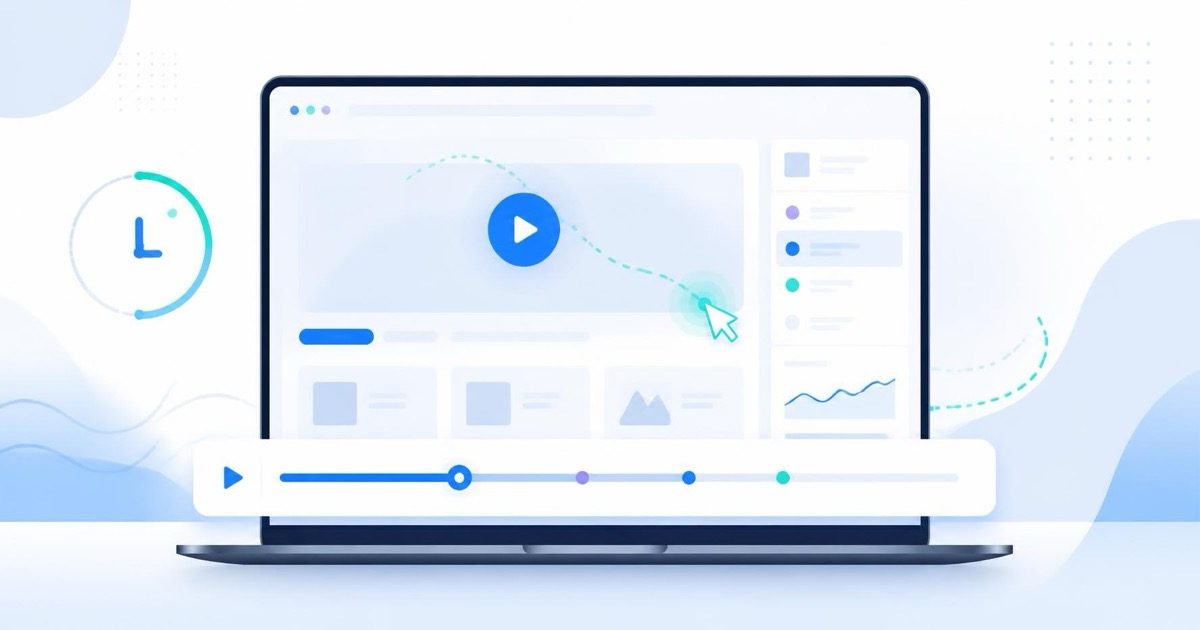
Clicks are the easy part to log. The cursor is where the story lives. A cursor that moves in a straight line toward a button and clicks it is a confident visitor. A cursor that circles a section, pulls back, hovers over three different links, then leaves is someone weighing options they don't feel good about. Pay attention to hovering over text that isn't clickable (a sign they expected it to be a link), and to cursor movement that pauses right before a scroll, which usually means they're rereading something they didn't understand the first time.
Flag the Hesitation Moment
Every recording worth watching has one moment where the pace changes. Fast scrolling suddenly stops. A form field gets clicked, then clicked again a few seconds later without typing. The mouse moves toward a button and retreats twice before committing. That's the moment to note the timestamp and ask what was on screen right then. Was it a price that felt too high, a field asking for information they didn't want to give, copy that didn't answer the question they came with? One hesitation moment, correctly identified, is worth more than watching ten full sessions end to end.
The goal of watching a recording isn't to relive the whole visit. It's to find the ten seconds where the visitor's intent and your page stopped agreeing with each other.
Never Judge a Page From One Session
A single recording can mislead you. Maybe that one visitor had a slow connection, got distracted by a phone call, or was never going to buy regardless of your page. Before you change anything, pull three to five recordings that hit the same page or the same drop-off point. If the same hesitation shows up in the same spot across multiple sessions, that's a pattern worth fixing. If it only shows up once, it's probably noise. This is the difference between reacting to an anecdote and acting on evidence.
Filter Before You Watch, Don't Watch Everything
The biggest time sink in session recordings isn't watching them, it's picking the wrong ones to watch. Watching recordings in the order they happened is close to useless if you're trying to solve a specific problem. Instead, filter first: recordings from visitors who reached a specific page but didn't convert, recordings shorter than 20 seconds on a page that should take longer to read, or recordings from a specific device type if your problem looks mobile-only. A good filter turns a haystack of 500 sessions into a shortlist of 8, and those 8 are the ones actually worth your five minutes.
Turn the Recording Into One Sentence
The recording is only useful if it ends in a decision. After watching, write one sentence: "Visitors hesitate at the shipping cost field on step 2 of checkout because it appears after they've already entered payment details." That sentence is a testable hypothesis. It tells your team exactly what to change (move the shipping cost earlier) and exactly what to measure afterward (does step 2 abandonment drop). Recordings that don't produce a sentence like this were watched for entertainment, not for improvement.
Make It a Five-Minute Habit, Not a Special Project
The teams that get the most out of session recordings don't schedule a quarterly "watch some sessions" meeting. They watch two or three recordings a week, tied to whatever metric moved that week. Bounce rate crept up on the pricing page? Watch three pricing page sessions before you touch the copy. Signups dipped after a design change? Watch the signup flow before you roll it back. Five minutes, twice a week, catches problems while they're still small and cheap to fix.
This only works if the recordings are easy to get to and don't take forever to load. That's the part most tools get wrong, burying playback behind slow dashboards or charging extra for anything past the last few days. LeadFnF keeps session replay, heatmaps, and funnels in one real-time view behind a single 3KB script, so pulling up the three sessions that hit a specific page takes seconds, not a support ticket. It's also built privacy-first, so you get the behavior data without the compliance headache of storing more personal information than you need.
You don't need a data science background to read a session recording well. You need a place to start (the end), something specific to watch for (the cursor and the hesitation), and a habit of comparing more than one session before acting. Do that consistently and recordings stop being a curiosity and start being one of the fastest ways to find out what's actually happening on your site.
Want to see it on your own traffic? Start a free trial and watch your first real session today.