Microsoft Clarity is free, and it has been free since it launched. No trial period, no feature paywall, no credit card at signup. For a lot of small teams that is the entire pitch: heatmaps and session recordings for zero dollars. But "free" is not the same as "free of tradeoffs," and if you are evaluating Clarity as your only analytics tool, there are a few gaps worth knowing about before you build your whole measurement stack around it.
What Microsoft Clarity actually does well
Clarity earns its popularity honestly. It gives you session recordings, click heatmaps, and scroll maps, and the setup takes about five minutes: drop in a script tag, and data starts flowing. There is no seat limit, no session cap that quietly resets your plan, and no sales call required to get started. For solo founders and small marketing teams testing whether visual analytics is even worth their time, Clarity is a genuinely reasonable place to start.
It also integrates cleanly with Google Analytics, so if you already have GA4 running, you can cross-reference Clarity's recordings with your existing traffic data without much extra work. That combination, GA4 for the numbers and Clarity for the visuals, is what a lot of small businesses run today.
Where "free" starts to cost you
The first thing teams run into is data retention. Clarity does not keep your recordings and heatmaps forever, and once older sessions age out, they are gone. If you want to compare user behavior from six months ago against today, after a redesign or a pricing change, you may not have anything to compare against. That is a real limitation if you care about longitudinal analysis rather than just spot-checking last week's traffic.
Second, filtering and segmentation are basic. You can filter by device, browser, and a handful of standard dimensions, but building a segment like "returning visitors who reached checkout and abandoned on mobile" is either clunky or not possible depending on what you are trying to isolate. If your site gets meaningful traffic, sorting through unfiltered recordings to find the handful that matter becomes a real time sink.
Third, support is what you would expect from a free product: community forums and documentation, no dedicated account help. That is fine until something breaks or the data looks wrong, and you are on your own to figure out why.
Free tools are rarely free of tradeoffs. The real cost usually shows up later, in the hours spent working around limits nobody mentioned at signup.
What a paid alternative buys you
This is where tools like LeadFnF come in, not as a replacement for "free" as a concept, but as an answer to the specific gaps Clarity leaves open. Longer data retention means you can actually track how behavior changes over time, not just this week's snapshot. Real segmentation means you can build the exact cohort you care about, whether that is cart abandoners, users stuck on a specific onboarding step, or visitors who triggered a rage click on your pricing page. And because LeadFnF ships as a single lightweight script under 3KB, you get that depth without the page-speed cost that heavier analytics suites sometimes carry.
Privacy is the other piece worth mentioning. LeadFnF is built privacy-first, which matters more each year as consent requirements tighten across regions. You get the behavioral insight without collecting more personal data than you actually need, and without adding another consent-banner headache to your site.
Session replay and heatmaps, together with real-time visibility
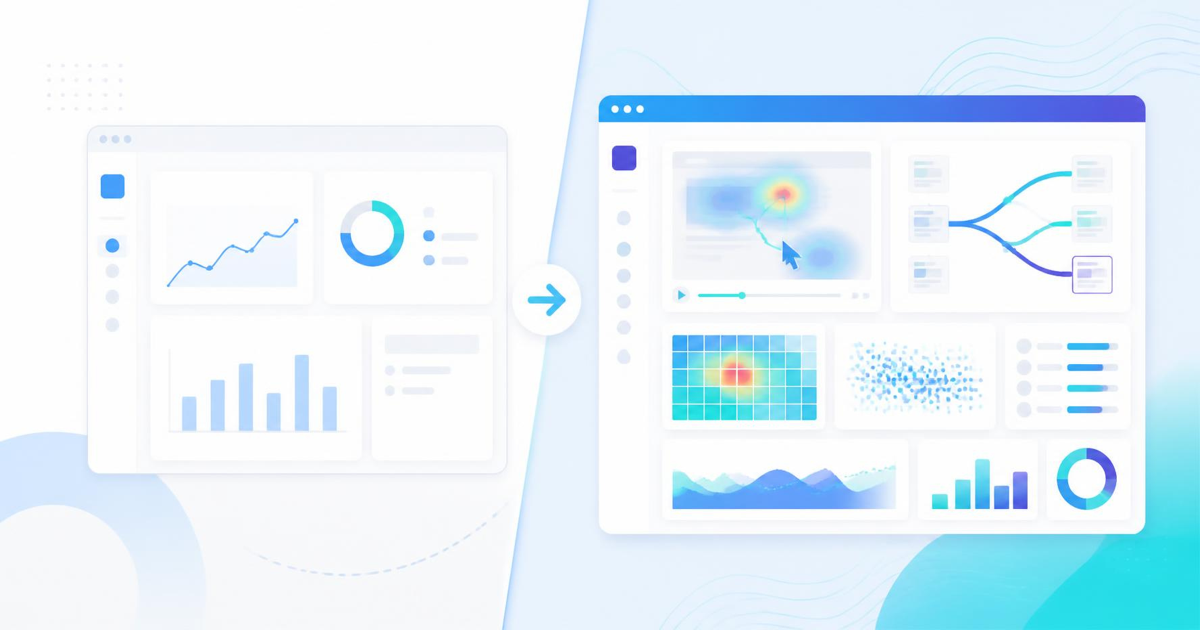
The strongest argument for moving past a free tool is not any single feature, it is what happens when replay, heatmaps, and funnel data live in one place and update in real time. Watching a recording tells you what one visitor did. A heatmap tells you what most visitors do. A funnel report tells you where they give up. Looking at all three together, on the same platform, is what turns "interesting to watch" into "here is exactly what to fix first."
Real-time visibility matters more than it sounds like it should. If you push a pricing page change or launch a new landing page, you want to see how people are actually interacting with it within the hour, not wait for a weekly digest email to notice something is broken.
When Clarity is still the right call
To be fair to Clarity: if your traffic is low, your questions are simple, and you just want to confirm people are scrolling past your hero section, it will do the job. Not every site needs advanced segmentation or a year of historical recordings. The honest answer is that Clarity is a fine starting point and a weak long-term foundation, and the moment you notice yourself wishing you could filter by cohort or go back further than a few weeks, that is the signal you have outgrown the free tier.
How to decide
Ask yourself three questions. Do you need to compare behavior across months, not just weeks? Do you need to isolate specific visitor segments rather than scroll through everything? Is page load speed something you are actively protecting? If you answered yes to any of those, a purpose-built, privacy-first tool will save you more time than the free price tag saves you money.
Session replay and heatmaps are only useful if you can actually find the sessions that matter and keep enough history to spot patterns. That is the gap between a free tool and one built for teams that treat analytics as an ongoing practice rather than a one-time check.
If you want to see how session replay, heatmaps, and real-time funnels work together without the retention and filtering limits, try LeadFnF free and run it side by side with what you have now.