
Every website has two audiences. The visitors your analytics can explain, and the ones it cannot. The first group fills your charts with pageviews, sessions, and bounce rates. The second group is the one quietly costing you money, because they arrive, look around, and leave without ever telling you why.
Traditional analytics is very good at counting what happened and almost useless at explaining it. You can see that 68 percent of people left your pricing page, but not that half of them scrolled straight past your plans because the headline above them answered the wrong question. That gap between what and why is where most conversion problems live, and it is where most teams stay stuck.
Here is how to close that gap and find the real reasons visitors leave, using evidence instead of guesswork.
Start with the numbers, but do not stop there
Your existing analytics is still the right place to begin. It tells you where to look. Sort your pages by exits and drop-off, and you will usually find two or three that leak far more people than the rest. A checkout step, a signup form, a long landing page. Those are your suspects.
The mistake is treating that list as the answer. A high exit rate on your pricing page is a symptom, not a diagnosis. To fix it, you need to see the page the way your visitors actually experienced it.
Watch real sessions instead of imagining them
Session replay records each visit like a short film. You see the mouse move, the scrolling, the pauses, the clicks that went nowhere. When you watch ten recordings of people who abandoned your checkout, patterns appear within minutes. Someone hovers over a shipping field, retypes it three times, and gives up. Someone else clicks a heading that looks like a button but is not linked to anything.
These are not opinions or hunches. They are the exact moments people decided to leave, captured as they happened. One afternoon of watching real sessions will teach you more about your site than a month of staring at dashboards.
A bounce rate tells you people left. A recording of that person leaving tells you what to change.
Use heatmaps to see attention at scale
Recordings show you individual stories. Heatmaps show you the crowd. A click heatmap layers thousands of visits into a single image, so you can see at a glance where attention lands and where it does not.
This is how you catch the calls to action nobody notices, the images people keep tapping because they assume they are clickable, and the sections below the fold that almost no one ever reaches. If your most important button sits in a cold, empty part of the map, you have found a problem worth fixing before you touch anything else.
Map the journey with funnels
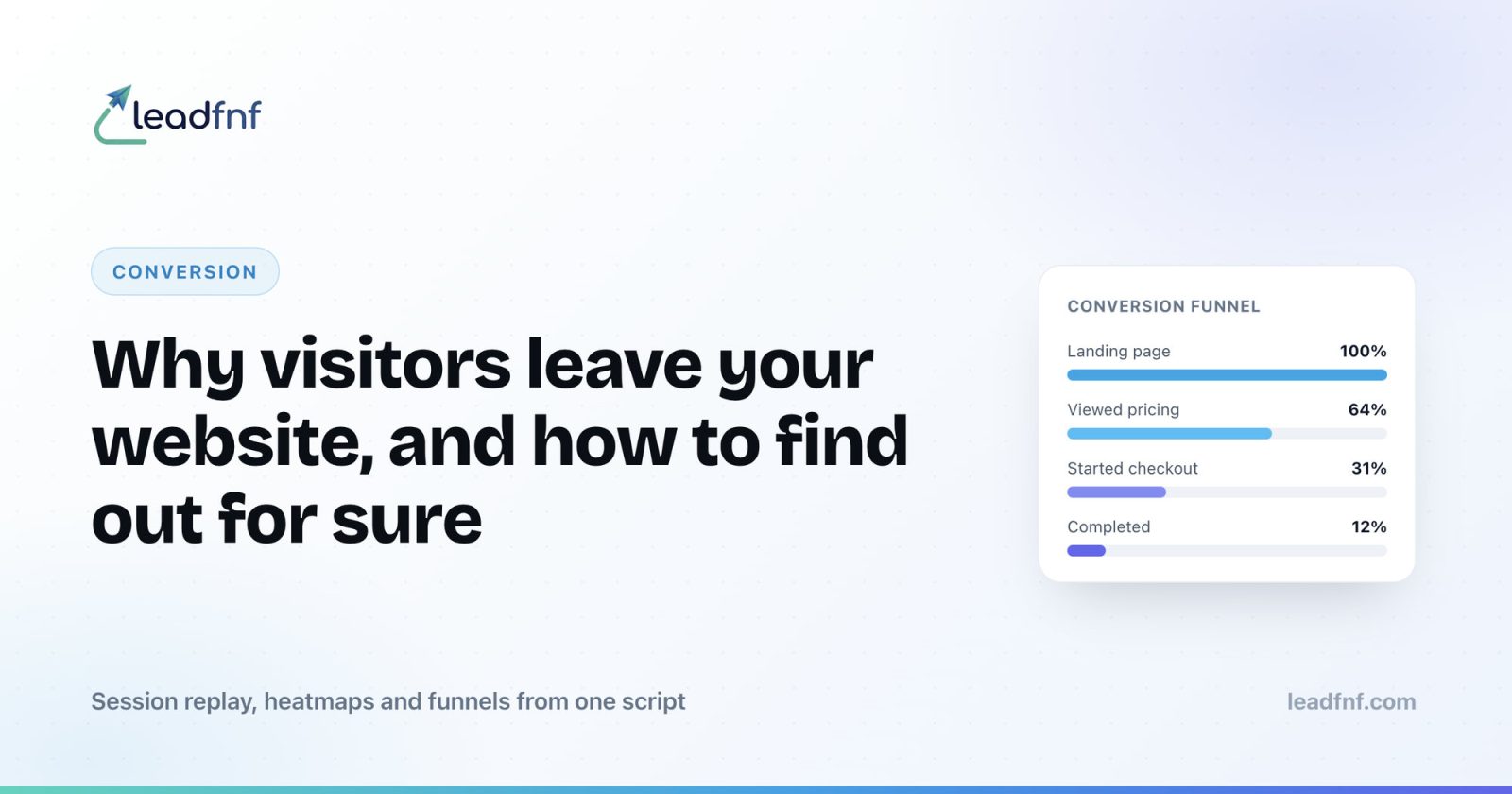
Individual pages rarely lose customers on their own. People leave somewhere along a path, and the path is what you need to see. A funnel lays out each step from arrival to conversion and shows you the exact stage where the most people fall away.
Once you know that, say, most visitors reach checkout but only a third finish it, you can go straight to the recordings of the people who dropped at that step. You stop guessing which page to improve and start working on the one that will move the number the most.
Turn findings into changes, then measure again
Research only pays off when it changes something. After a session of watching replays and reading heatmaps, you should have a short list of concrete problems. A confusing label. A form field that trips people up. A CTA hidden below three paragraphs of text.
Pick the one tied to your biggest leak, change it, and watch the same funnel step over the next week. If the drop-off shrinks, you have proof. If it does not, your recordings will usually show you why. This loop, watch, fix, measure, repeat, is the entire discipline of conversion work stripped to its core.
Bringing it together
Finding out why visitors leave is not a mystery that requires expensive research or a large team. It requires seeing your site through your visitors' eyes, which means recordings, heatmaps, and funnels working together on the same data.
LeadFnF gives you all three from a single lightweight script, alongside real-time analytics, with no cookies and no consent banner to configure. You can have your first session recordings playing within an hour of adding one line to your site, and start turning silent exits into fixes you can measure.
If your analytics keeps telling you that people leave but never why, that is the gap worth closing first. Start a free 14 day trial and watch your next lost visitor for yourself.