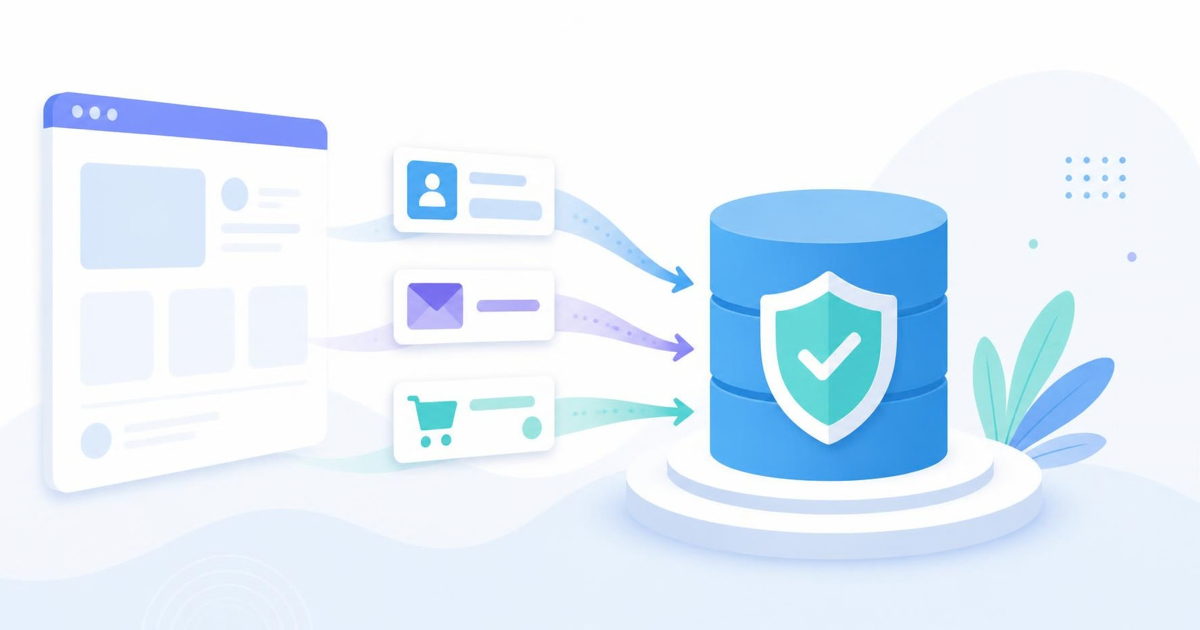

First-party data is information a visitor gives you directly, or that your own site and product collect while they use it. Think email signups, purchase history, form answers, and the on-site behavior you record on your own domain. It matters now because browsers and regulators have made borrowed data harder to get, and the data you collect yourself is the only kind you fully control.
What counts as first-party data
The label sounds technical, but the idea is simple. If the relationship is between your visitor and you, with no middleman handing you the information, it's first-party. The common sources are:
- Declared data: what people tell you on purpose, such as an email address, a survey answer, or a preference they pick during signup.
- Transactional data: orders, subscriptions, refunds, and support tickets.
- Behavioral data: the pages viewed, buttons clicked, and steps completed on your own site or app.
Third-party data is the opposite. It's assembled by someone else, usually by tracking people across many unrelated sites, and then sold or shared onward. That's the data that browsers are steadily cutting off.
Why it suddenly matters for small sites
For years, a small business could lean on ad platforms and cross-site trackers to fill in the picture of who its visitors were. That arrangement is fading. Safari and Firefox already block third-party cookies by default, and Safari limits how long some first-party cookies set by scripts can live. Privacy laws such as GDPR add rules about what you can collect and on what basis.
The practical result is that any strategy built on data you don't own is fragile. A list of subscribers who asked to hear from you doesn't vanish when a browser changes a default. A record of how people moved through your own checkout doesn't depend on an ad network's goodwill.
Data you collect yourself, with a clear reason and a clear promise, is the only data nobody can switch off underneath you.
How to collect it the right way
Collecting more is not the goal. Collecting what you'll actually use, in a way people would be comfortable seeing explained, is. A few habits keep you on the right side of both good practice and the law.
Ask for less, and say why
Every extra form field costs you completions. If you only need an email address to send a guide, ask for only that. When you do need more, such as a company size to route a lead, add one short line explaining what it's for. People fill in fields they understand.
Trade something useful for the information
A checklist, a template, a short course, or a genuinely helpful newsletter gives people a reason to share their details. Vague promises like "stay updated" convert poorly. Specific ones like "the five-point pre-launch checklist we use" do better, and the people who sign up are more likely to be a real fit.
Be honest about consent
Get clear permission before you email someone, and keep a record of when and how they gave it. Don't pre-tick boxes. Make unsubscribing a single click. This isn't only about avoiding fines. A list built on real consent has better open rates and fewer spam complaints, which protects your sending reputation.
Measure behavior without tracking people around the web
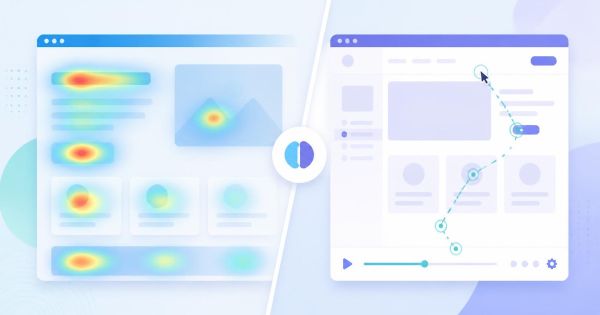
You can learn a great deal about how visitors use your site without following them anywhere else. Watching where people click, how far they scroll, and where they abandon a form tells you what to fix, and none of it requires a cross-site profile. This is the kind of data that stays on your own domain, which is exactly what makes it first-party.
Turning the data into decisions
A pile of data isn't useful until it changes something you do. The teams that get value from first-party data usually start with a small number of questions and work backward.
- Where do people drop off? Build a funnel from landing page to signup or purchase and find the step that loses the most visitors.
- Why do they drop off? Watch a handful of session recordings at that step. Numbers show where, recordings show why.
- Who converts? Look at which traffic sources and pages your paying customers came from, then invest more there.
- What do they ask for? Support questions and survey answers are declared data, and they are often the cheapest research you'll ever get.
Keep the loop small. Pick one problem, make one change, and check whether the numbers moved before you start the next one.
Common mistakes to avoid
- Collecting everything "just in case." Data you never use is still a liability. It has to be stored, secured, and disclosed in your privacy policy.
- Scattering it across tools. If signups live in one place, orders in another, and behavior in a third, you can't connect them. Decide where the source of truth lives.
- Ignoring data quality. Duplicate emails, typos, and stale records quietly wreck your reporting. A simple validation step at the form saves hours later.
- Treating privacy as an afterthought. Decide what you collect and why before you install anything, not after a complaint arrives.
Where to start this week
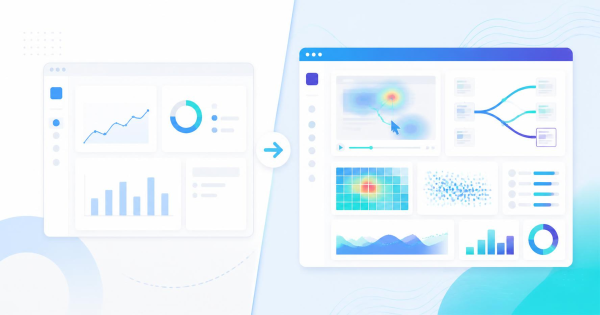
You don't need a data warehouse. Audit what you collect today and write down, for each item, what decision it supports. Cut what has no answer. Then make sure you can see how visitors behave on your own pages, because that's the first-party data most small sites are missing.
A privacy-first tool like LeadFnF covers that piece with session replay, heatmaps, and funnels from a single 3KB script, and it doesn't rely on tracking people across other sites. If you'd like to see how your own visitors move through your pages, you can start a free account and have data flowing in minutes.